

Mobile technology has become an important part of everyday life. A mobile device is no longer used only for making calls or sending messages. Modern mobile devices help people communicate, study, work, shop, travel, take photographs, watch videos, manage finances, access information, and stay connected with the world.
The development of mobile technology has transformed the way people interact with digital services. Smartphones now combine communication tools, cameras, computers, entertainment systems, navigation tools, and productivity features in a compact device.
As mobile technology continues to develop, consumers have more choices than ever. Different devices offer different combinations of performance, camera quality, battery life, display technology, storage, software features, and connectivity. Understanding these features can help users choose a mobile device that matches their needs instead of simply choosing a device based on popularity or specifications.
This guide explains mobile technology, its major features, benefits, important components, buying considerations, safety practices, maintenance, connectivity, applications, and future developments.
What Is a Mobile Device?
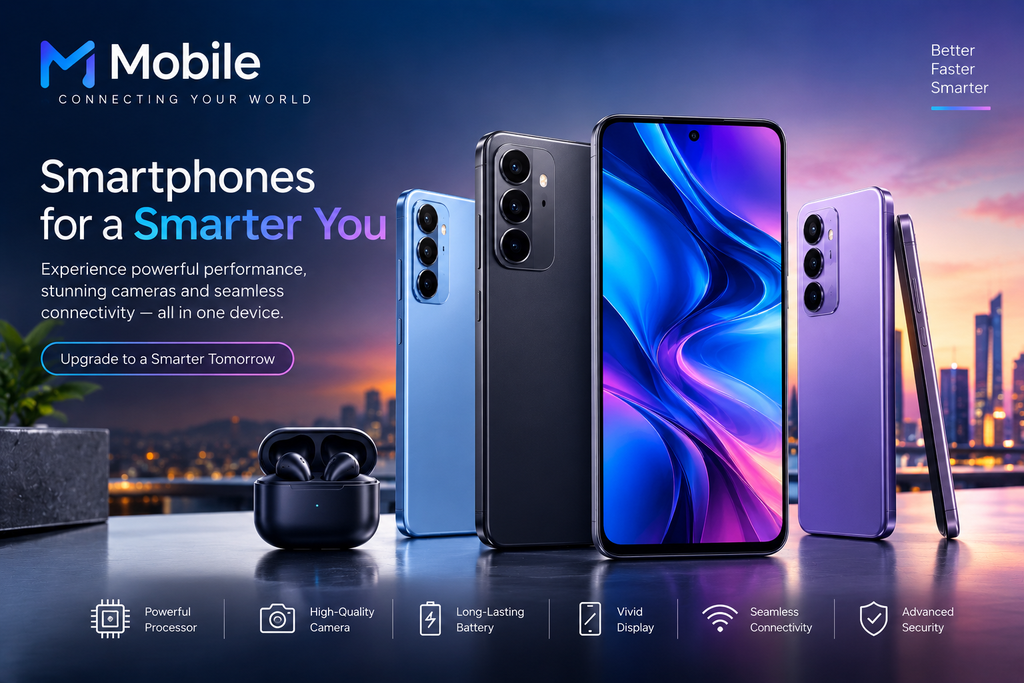
A mobile device is a portable electronic device designed to perform digital tasks while allowing users to carry it easily from one location to another. Mobile phones are among the most common examples.
Basic mobile phones traditionally focused on calling and messaging, while smartphones introduced advanced computing capabilities. Modern smartphones can run applications, connect to the internet, capture high-quality photographs, process information, stream media, and communicate with other devices.
A smartphone generally includes a processor, memory, storage, display, battery, cameras, sensors, speakers, microphones, and wireless communication hardware.
These components work together through an operating system and software applications to provide different functions.
Evolution of Mobile Technology
Mobile technology has developed significantly over the past several decades.
Early mobile phones were relatively large and mainly designed for voice communication. As technology improved, phones became smaller, more affordable, and more capable.
The introduction of feature phones brought additional functions such as text messaging, basic cameras, music players, and simple internet access.
Smartphones later transformed the industry by combining mobile communication with computer-like capabilities. Touchscreens, application stores, mobile internet, GPS, advanced cameras, and powerful processors became common features.
Today, mobile devices can perform tasks that once required multiple separate products. A single device can function as a camera, music player, navigation system, communication tool, digital wallet, gaming platform, and productivity device.
Major Components of a Mobile
Understanding the main components of a mobile device can make it easier to compare different models.
Processor
The processor is one of the most important components in a smartphone. It handles calculations and helps run applications and system functions.
A more capable processor can provide smoother performance, faster application loading, better gaming performance, and improved handling of demanding tasks.
However, processor performance should not be considered separately from other hardware and software. Efficient software optimization, memory management, and thermal design also influence the overall experience.
RAM
RAM, or Random Access Memory, temporarily stores information that applications and the operating system are actively using.
More RAM can allow a device to keep more applications available in the background. However, the amount of RAM required depends on the operating system and the user’s activities.
For everyday tasks such as messaging, browsing, video streaming, and social applications, moderate memory can be sufficient. Users performing demanding tasks may benefit from higher memory configurations.
Storage
Storage is used to save applications, photographs, videos, documents, music, and other files.
Mobile devices commonly offer different storage capacities. Users who frequently record videos, download large applications, or store many photographs may need more storage.
Cloud storage can also provide an additional way to back up and access files, but users should consider storage costs, internet requirements, and privacy when choosing cloud services.
Display
The display is the primary interface through which users interact with a smartphone.
Important display characteristics include size, resolution, brightness, refresh rate, color reproduction, and viewing angles.
A higher refresh rate can make supported animations and scrolling appear smoother. High brightness can improve visibility in outdoor environments.
Display quality should be evaluated according to the user’s needs. Someone who primarily reads messages may have different priorities from someone who watches videos or plays games frequently.
Battery
The battery provides power to the mobile device. Battery capacity is usually measured in milliampere-hours, commonly abbreviated as mAh.
However, battery capacity alone does not determine battery life. Processor efficiency, display settings, software optimization, network conditions, application usage, and background activity can all affect how long a device lasts between charges.
Fast charging can reduce the amount of time required to recharge a device, while some mobile devices also support wireless charging.
Camera
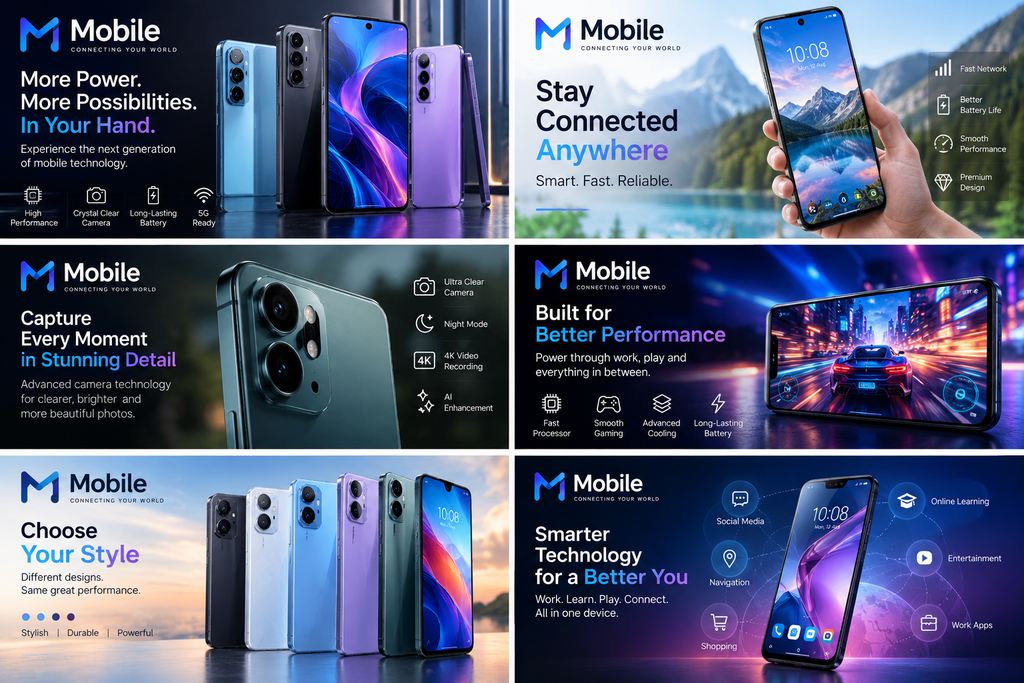
Modern mobile devices often include multiple cameras for different purposes.
A main camera may be designed for everyday photography, while additional cameras can support wide-angle photography, close-up images, or other specialized functions.
Camera quality depends on several factors, including the image sensor, lens, image processing, stabilization, software, and lighting conditions.
A high megapixel number does not automatically mean better photographs. Image processing and sensor quality can be equally important.
Mobile Operating Systems
The operating system manages the hardware and software of a mobile device.
It controls functions such as application management, security, notifications, settings, connectivity, and user interaction.
Modern mobile operating systems provide access to application stores where users can download software for communication, education, entertainment, productivity, photography, navigation, and many other purposes.
Keeping the operating system updated is important because software updates can introduce new features, improve compatibility, fix problems, and address security vulnerabilities.
Mobile Connectivity
Connectivity is one of the defining features of modern mobile devices.
Cellular Networks
Mobile phones use cellular networks to provide voice communication, messaging, and internet access.
Network technologies have evolved from earlier generations toward increasingly faster and more capable systems. Modern networks can support high-speed internet access, video communication, online gaming, and other data-intensive applications.
Actual network performance can vary depending on location, network congestion, device compatibility, coverage, and service provider.
Wi-Fi
Wi-Fi allows mobile devices to connect to compatible wireless networks.
It is commonly used at homes, schools, offices, hotels, and public locations. Wi-Fi can reduce reliance on cellular data when a suitable network is available.
Users should be careful when connecting to unfamiliar public networks and avoid entering sensitive information on networks they do not trust.
Bluetooth
Bluetooth allows compatible devices to communicate over short distances.
It is commonly used with wireless headphones, speakers, keyboards, watches, vehicles, and other accessories.
GPS
GPS and other location technologies help mobile devices determine their position.
Navigation applications use location services to provide directions, estimate travel times, and identify nearby places.
Benefits of Mobile Technology
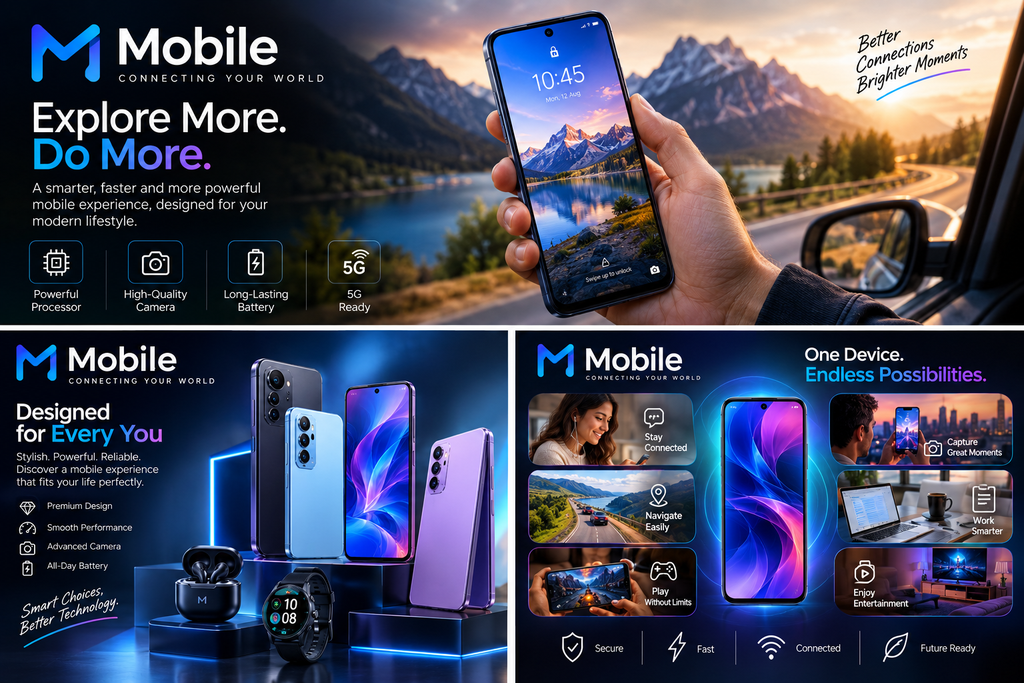
Mobile technology provides numerous advantages in everyday life.
Easy Communication
Mobile devices allow people to communicate through calls, messages, email, video calls, and online communication platforms.
Access to Information
A mobile device connected to the internet provides access to a large amount of information. Users can read educational resources, research topics, follow news, and learn new skills.
Portability
One of the greatest benefits of mobile devices is portability. A smartphone can provide many digital functions without requiring users to carry multiple separate devices.
Productivity
Mobile applications allow users to manage calendars, documents, tasks, notes, communication, and other work-related activities.
Entertainment
Mobile devices provide access to music, movies, videos, games, podcasts, and digital reading platforms.
Navigation
Location-based services can help users navigate unfamiliar areas and find useful destinations.
Mobile Applications
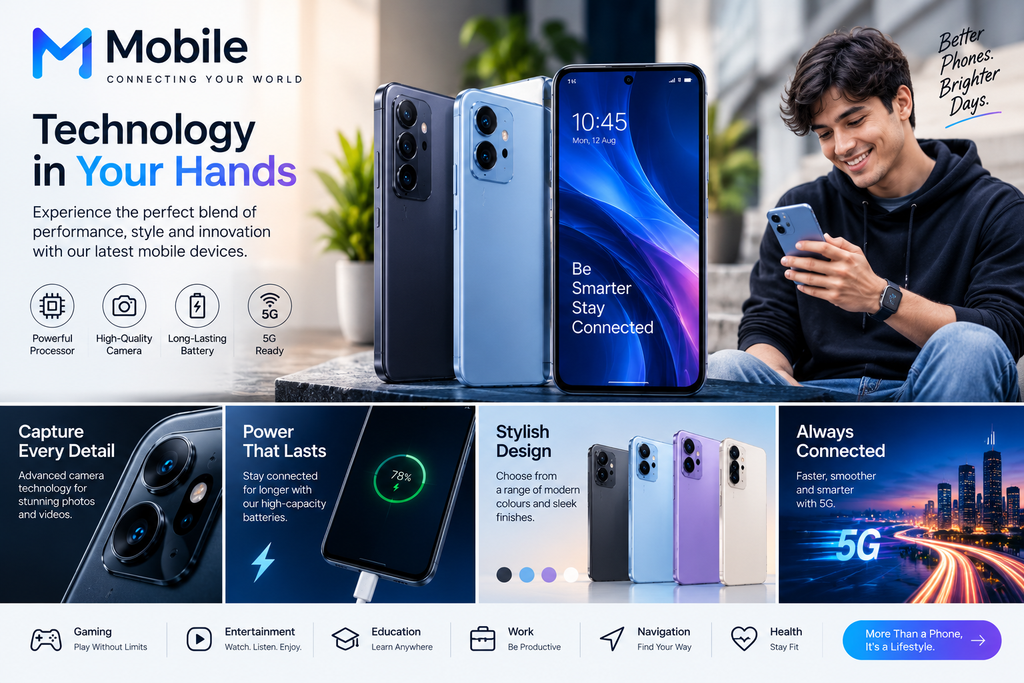
Applications are an important part of the modern mobile experience.
Communication applications allow users to exchange messages and make calls. Productivity applications can help with documents, calendars, notes, and task management.
Educational applications provide courses, tutorials, language-learning tools, digital books, and other resources.
Entertainment applications support video streaming, music, games, and other forms of digital content.
When installing applications, users should check the developer, permissions, reviews, and requested access. Applications should preferably be downloaded through trusted sources.
How to Choose the Right Mobile
Choosing a mobile device should begin with identifying personal requirements.
Determine Your Main Use
Consider how you expect to use the device.
If the primary activities are calling, messaging, browsing, and basic applications, an entry-level or mid-range device may be sufficient.
Users who frequently edit photographs, play demanding games, create videos, or perform other intensive tasks may require more powerful hardware.
Check the Display
Consider screen size, brightness, resolution, and refresh rate.
A larger screen can be useful for videos, reading, and productivity, while a smaller device may be easier to carry and operate with one hand.
Consider Battery Requirements
People who spend long periods away from a charger may prioritize strong battery life.
Check both battery capacity and real-world battery performance. Charging speed can also be useful for users who frequently need quick recharges.
Evaluate Camera Features
Photography requirements vary considerably.
If photography is important, consider image quality in different lighting conditions, stabilization, video capabilities, camera software, and the quality of the front camera.
Do not rely only on megapixel numbers when comparing cameras.
Consider Storage
Think about how many photographs, videos, applications, and documents you expect to store.
Choosing sufficient storage at the time of purchase can prevent problems later, especially if the device does not support expandable storage.
Check Software Support
Long-term software and security support can increase the useful life of a mobile device.
Before buying, check the manufacturer’s stated update policy where available.
Compare Total Value
Price is important, but it should not be the only factor.
A device that costs slightly more but offers better software support, battery performance, durability, and overall reliability may provide greater long-term value.
Mobile Security
Mobile devices often contain personal information, photographs, messages, accounts, and financial information, making security important.
Users should protect their devices with a strong screen lock such as a PIN, password, or supported biometric authentication.
Applications should be installed from trustworthy sources. Users should review permissions and avoid granting unnecessary access.
Software updates should be installed when appropriate because they can address security issues.
Important data should also be backed up. A backup can help recover photographs, documents, and other information if a device is lost, damaged, or replaced.
Users should be cautious about suspicious messages, unknown links, fake applications, and requests for passwords or financial information.
Mobile Privacy
Privacy is another important consideration.
Mobile applications may request access to information such as location, contacts, camera, microphone, or storage.
Users should review permissions and provide access only when it is necessary for the application’s intended function.
Privacy settings can often be adjusted through the operating system. Reviewing these settings occasionally can help users understand which applications have access to different types of information.
Mobile Battery Care
Proper charging habits can help maintain a mobile device over time.
Use compatible chargers and cables that meet the device manufacturer’s requirements.
Avoid exposing the device to excessive heat. High temperatures can negatively affect battery performance and long-term battery health.
It is also useful to avoid unnecessary background activity when battery life is important. Screen brightness, location services, high-performance applications, and continuous connectivity can all influence power consumption.
If a battery becomes swollen, unusually hot, or physically damaged, stop using the device and seek appropriate professional service rather than attempting to repair it yourself.
Mobile Maintenance
Keeping a mobile device clean and protected can extend its useful life.
A protective case can reduce damage from accidental drops, while a suitable screen protector may help protect the display from scratches.
Keep charging ports and speakers free from excessive dust and debris, but avoid inserting sharp objects into the device.
Regularly remove unnecessary applications and files to keep storage organized.
Restarting the device occasionally can also help resolve minor software issues.
If the device develops a serious hardware problem, professional repair is generally preferable to an inexperienced DIY repair.
Mobile Photography
Mobile photography has become increasingly capable.
Good photographs depend on more than camera specifications. Lighting, composition, focus, stability, and the capabilities of the camera software all influence results.
Natural light can often produce better results than poorly controlled artificial lighting.
Keeping the camera lens clean is also important. Fingerprints or dust can reduce image clarity.
When recording video, stable positioning can improve results. Many modern devices provide electronic or optical stabilization, depending on the hardware.
Mobile Gaming
Mobile devices have become popular gaming platforms.
Gaming performance depends on the processor, graphics capabilities, memory, display refresh rate, touch response, software optimization, and thermal management.
Demanding games can generate significant heat and consume battery power. Players should avoid blocking ventilation areas and should take breaks if the device becomes excessively warm.
For users who play games regularly, a device with appropriate performance and sustained thermal behavior can provide a better experience than choosing hardware based solely on peak specifications.
Mobile Technology in Education
Mobile devices have become useful educational tools.
Students can access digital books, educational videos, online classes, dictionaries, learning applications, research materials, and productivity tools.
Mobile devices can also support collaboration through shared documents and communication platforms.
However, effective learning still requires concentration and critical thinking. Notifications and entertainment applications can become distractions, so managing screen time and notifications can help maintain focus.
Mobile Technology in Business
Businesses use mobile technology for communication, sales, customer service, productivity, and management.
Employees can access email, calendars, documents, communication systems, and business applications while working remotely.
Mobile payment systems have also changed how customers and businesses conduct transactions.
Companies should pay attention to device security, account protection, software updates, and data management when mobile devices are used for business purposes.
Environmental Considerations
The rapid growth of mobile technology creates environmental challenges.
Discarded phones and accessories contribute to electronic waste. Many devices contain materials that can potentially be recovered through appropriate recycling.
Consumers can reduce waste by keeping devices in good condition, repairing them when practical, passing usable devices to others, and using responsible electronic recycling programs when products reach the end of their useful life.
Purchasing a device with a longer expected support period can also reduce the need for frequent replacement.
Future of Mobile Technology
Mobile technology is expected to continue developing in several areas.
Artificial intelligence is becoming increasingly integrated into mobile software. AI-powered features can assist with photography, translation, organization, search, writing, and other tasks.
Displays and device designs may continue becoming more flexible, durable, and energy efficient.
Connectivity is also expected to improve as mobile networks develop.
Mobile devices may increasingly communicate with vehicles, smart home products, wearable devices, computers, and other connected systems.
Battery technology remains another important area of development. Improvements in energy density, charging technology, and power efficiency could make future devices more convenient.
Security and privacy will also remain major priorities as mobile devices become more deeply integrated into daily life.
Common Mistakes When Buying a Mobile
Consumers sometimes focus too heavily on individual specifications.
For example, choosing a device solely because it has a higher camera megapixel count may not result in better photographs.
Similarly, more RAM does not automatically mean a better device if the software and processor are not well optimized.
Another common mistake is ignoring software support. A device with good hardware may become less useful if it stops receiving important updates.
Buying based entirely on trends can also lead to unnecessary spending. The best mobile device is one that matches actual requirements.
Tips for Getting Better Value From a Mobile
To get the most value from a mobile device, understand its features and use them according to your needs.
Keep software updated, manage storage, protect the device physically, and maintain regular backups.
Review privacy and security settings periodically.
Use battery-saving features when necessary and avoid excessive heat.
When buying accessories, make sure they are compatible and suitable for the device.
Most importantly, consider how long you expect to use the device. A product that continues working reliably for several years can offer better value than frequently replacing devices.
Conclusion
Mobile technology has changed communication, entertainment, education, business, photography, navigation, and everyday digital activities. Modern mobile devices combine powerful processors, high-quality displays, advanced cameras, large storage capacities, wireless connectivity, and software applications in compact designs.
Choosing the right mobile device requires more than looking at specifications. Users should consider their personal requirements, performance needs, battery life, display, camera capabilities, storage, software support, security, durability, and overall value.
Proper maintenance and responsible use can also extend the useful life of a mobile device. Protecting personal information, installing software updates, using compatible accessories, and handling batteries carefully are important parts of mobile ownership.
As mobile technology continues to evolve, devices are likely to become more intelligent, connected, efficient, and capable. By understanding the technology and making informed choices, users can get greater value from their mobile devices while using them safely and responsibly.